iOS app
My Daily Tool
Why it exists
Daily life is scattered across a dozen apps: meal planners, to-do lists, habit trackers, budget sheets. Each one wants an account, a subscription, and your data. My Daily Tool puts the whole day in one place with no account required.
- 62
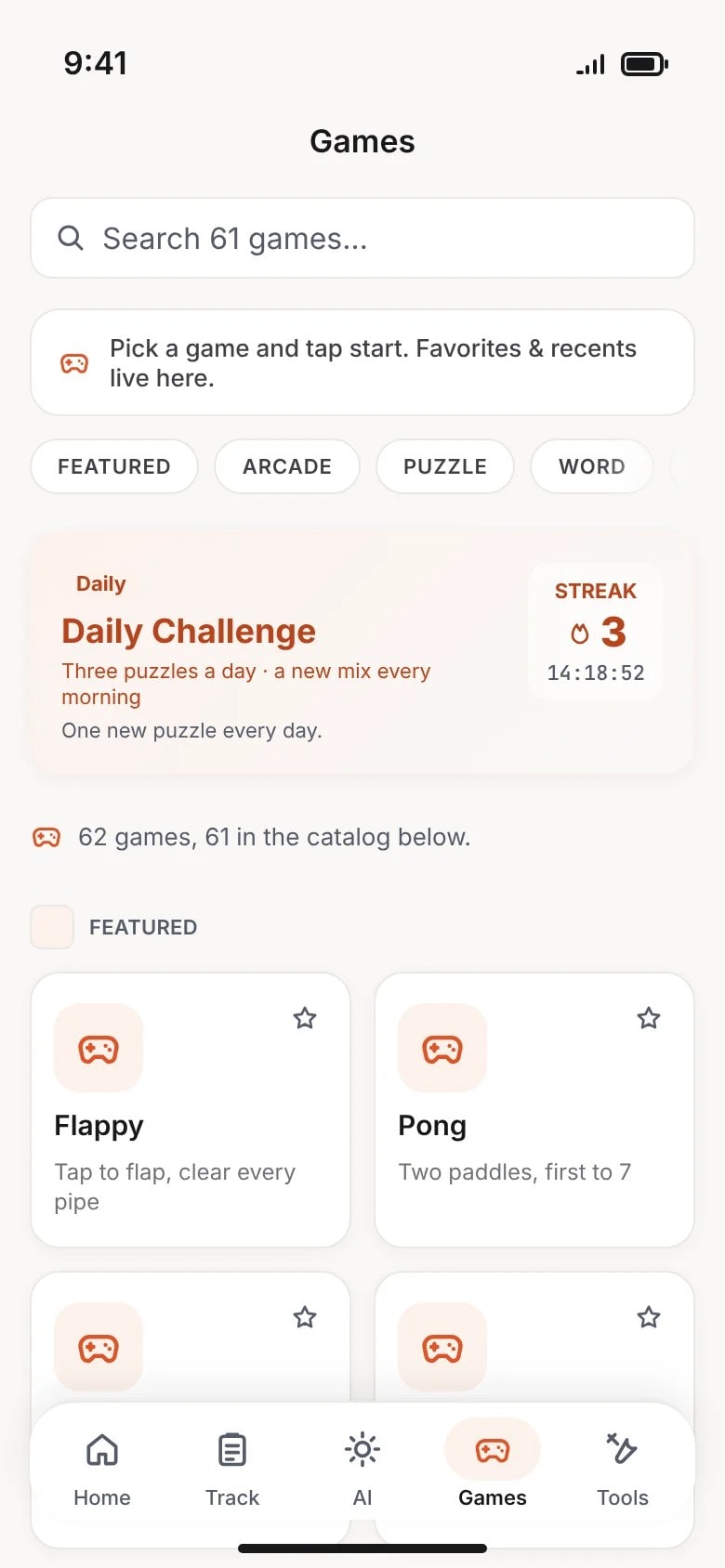
- Built-in games, playable offline
- 5/5
- App Store rating from 1 review, as of Oct 14, 2026
Latest change Game count re-counted at the app repository: 62 playable games, shown on its own pages.
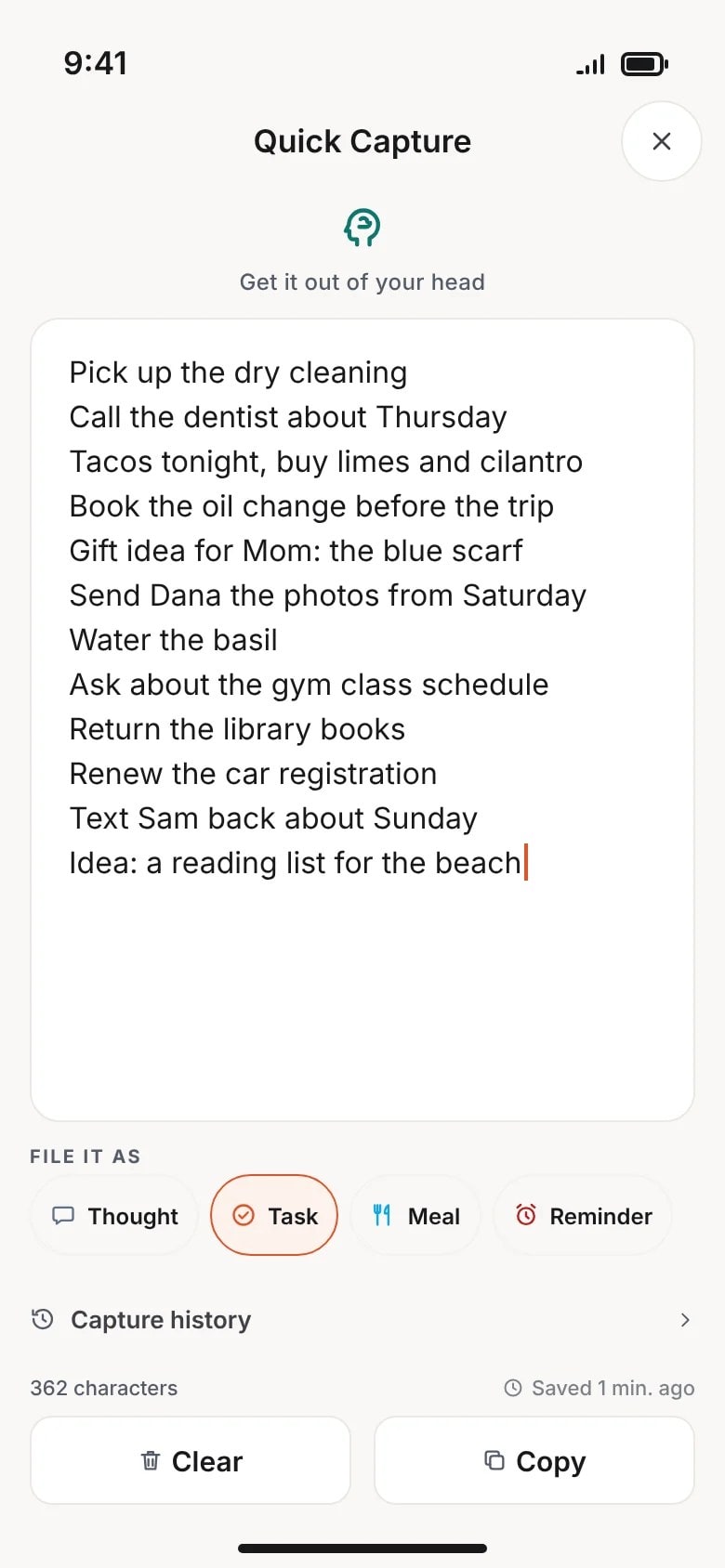
Preview of the iOS app, drawn from its source.
Live now
- Marketing site at mydailytool.app; the app itself is iOS-only, and everything in it stays on your device.
- 62 built-in games, playable offline, and a Toolbox of built-in utility tools.
- No account required. Data stays on the device.
What it does
What is inside.
- 1
All-day planner
Meals, tasks, habits, and budget in one offline-first workspace.
- 2
AI assistant
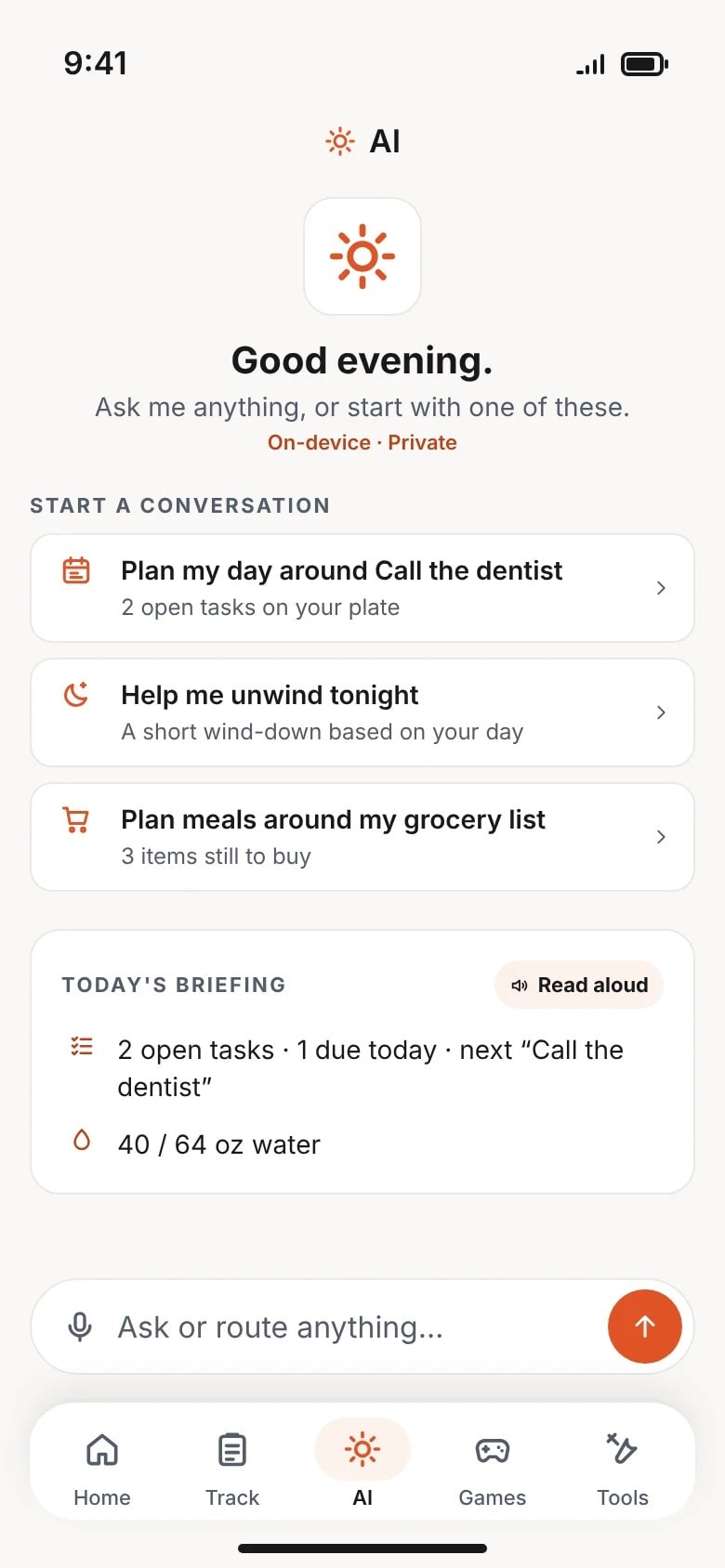
Meal ideas, task breakdowns, and answers grounded in your day.
- 3
Movies & Shows
Trending titles with posters, synopses, ratings, and which streaming service carries each one.
- 4
Live sports & markets
Scores and fantasy, plus stocks, crypto, precious metals, and prediction markets.
- 5
62 built-in games
Puzzles and arcade classics for downtime, including the Daily and Arcade Challenges. No downloads.
- 6
Built-in utility tools
Calculators, unit and currency converters, generators, and more, all in the Toolbox.
- 7
No account needed
Your data stays on your device. Open the app and go.
Screens
Previews of the app.
Preview of the iOS app, drawn from its source.
Share this project
Questions about this one?
Ask about it. Ben reads every message.