App guide · Productivity & Utilities · iOS app
My Daily Tool
Your whole day, one app.
One local-first app replaces the pile of planners, to-do lists, and habit trackers: dinner plans with a grocery list, a budget, and 62 offline games, with no sign-up.
Live on the App Store
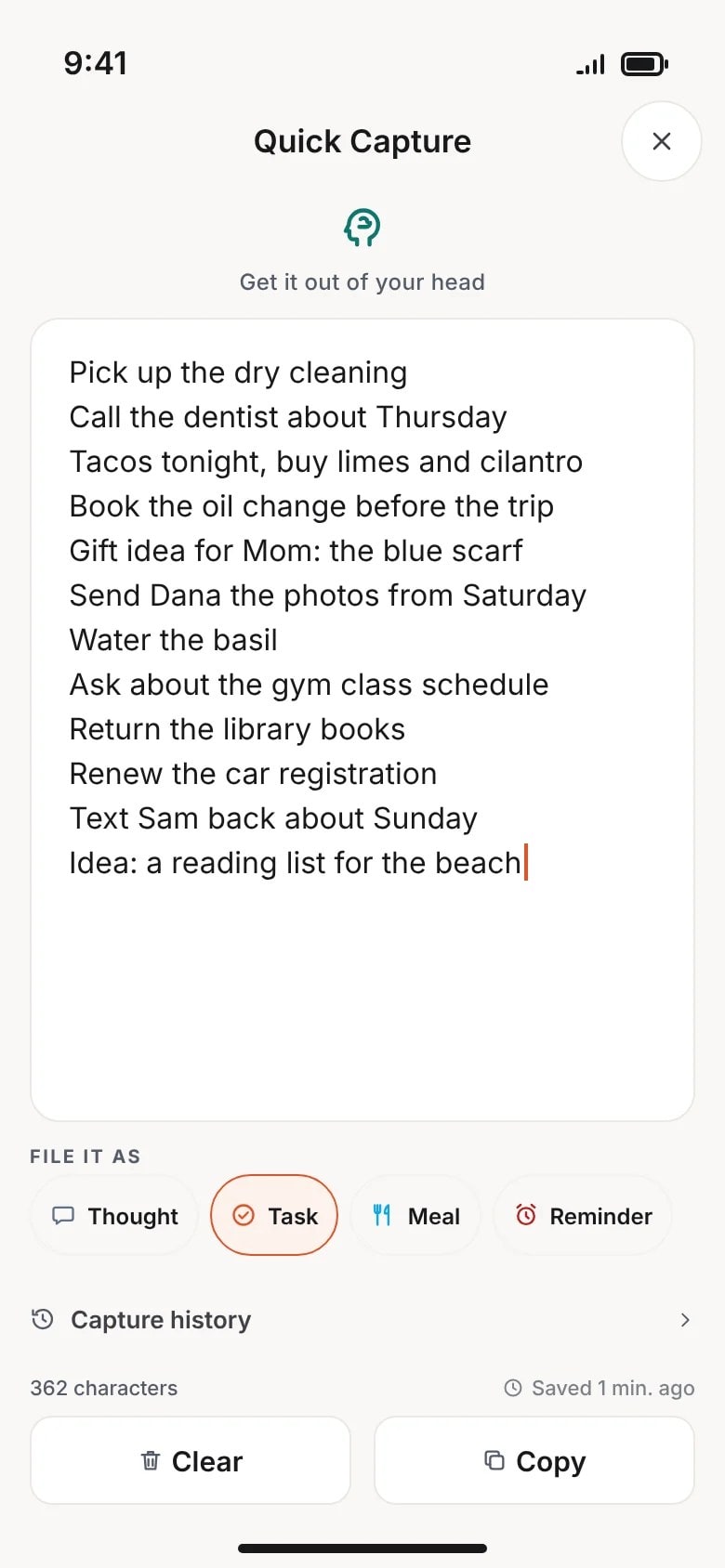
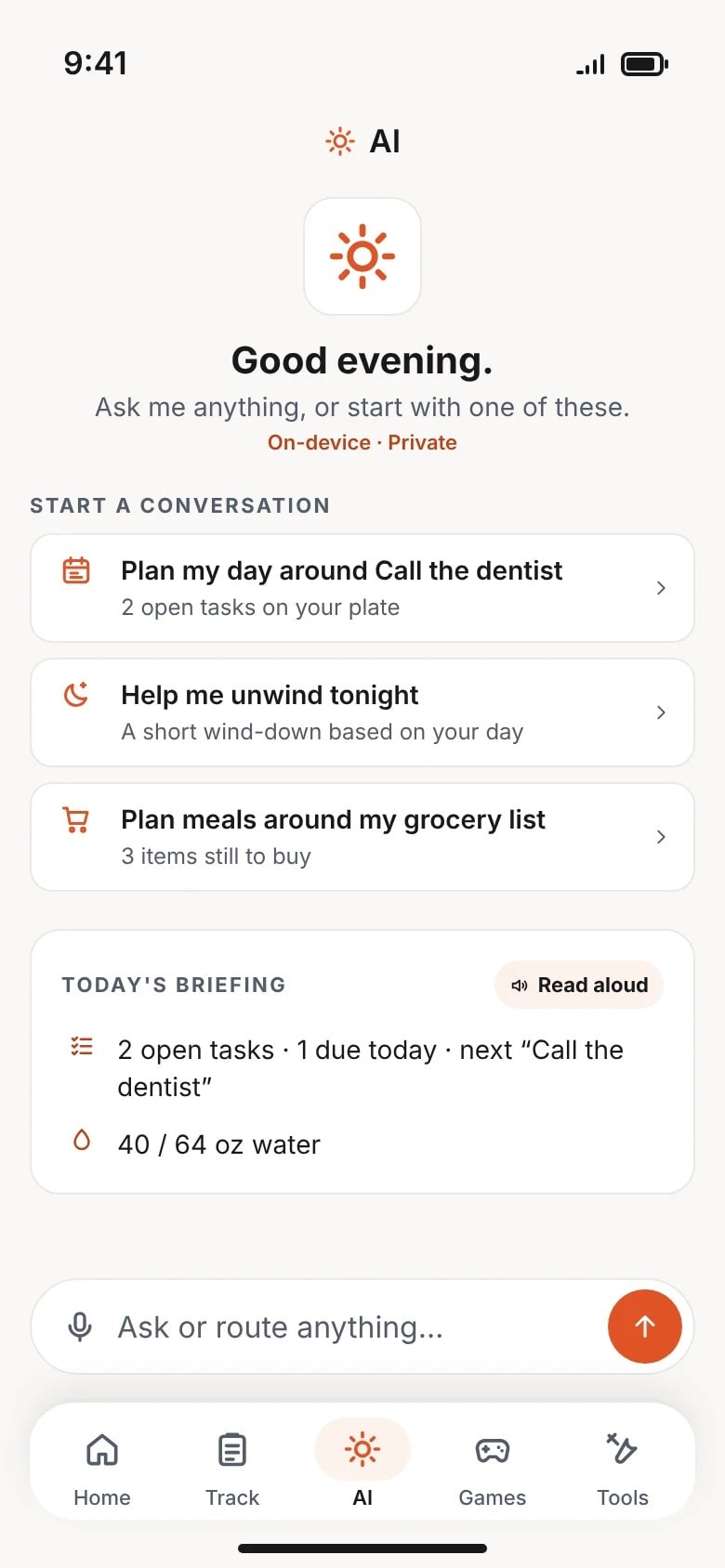
Preview of the iOS app, drawn from its source.
How it works
My Daily Tool in four steps.
The path a new person takes, from the first tap.
- Step 1
Open and go
No account, no sign-up. The app opens ready for the day, and your data stays on your device.
- Step 2
Plan the day
Meals, tasks, habits, and budget share one workspace. Plan dinner and the missing ingredients land on the grocery list.
- Step 3
Ask the assistant
An AI assistant answers across your day: recipes from what is in the fridge, tasks from a brain dump.
- Step 4
Play offline
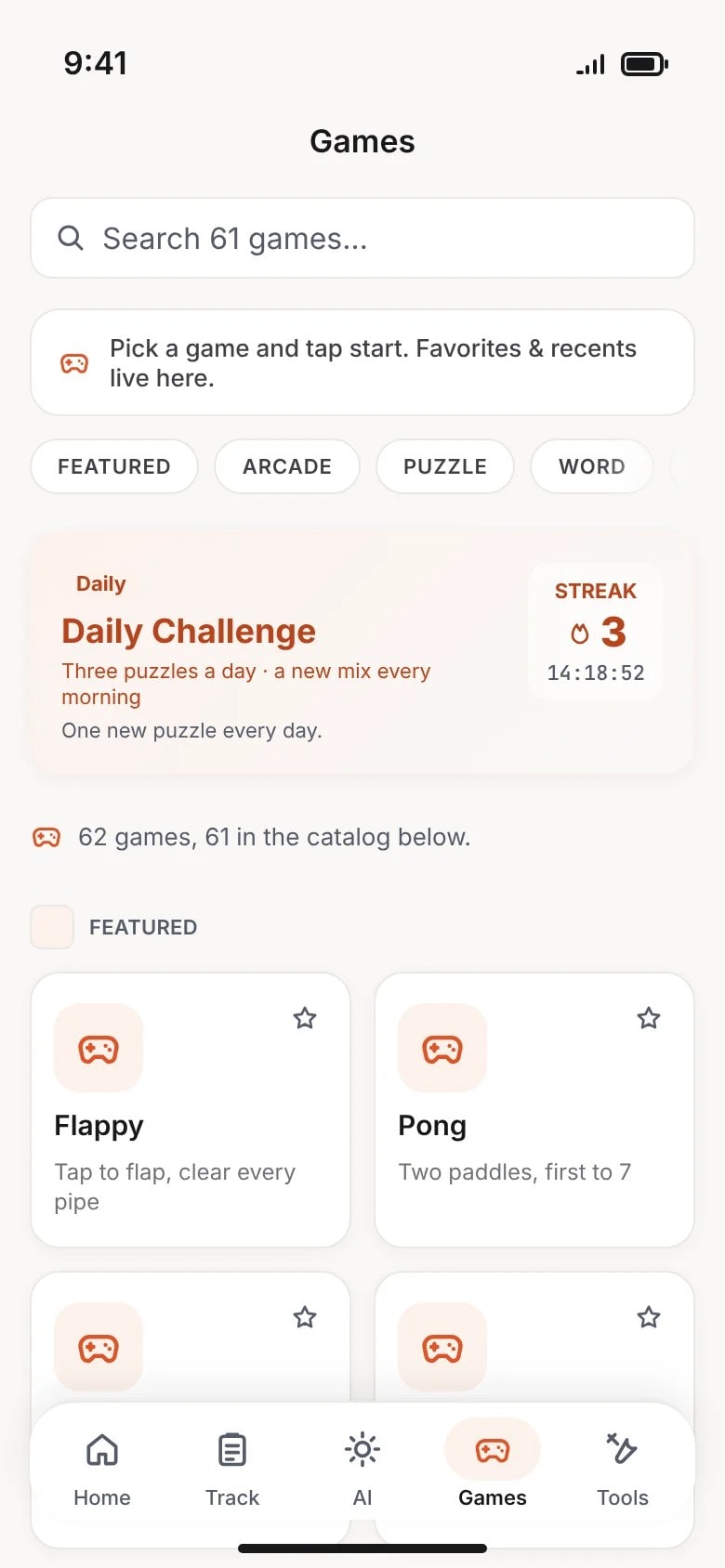
62 built-in games, playable with no connection at all.
Screens
Previews of the app.
Preview of the iOS app, drawn from its source.
Questions
Asked about My Daily Tool
Do I need an account?
No. The app opens ready to use, and your data stays on your device. There is nothing to sign up for.
What does it replace?
The pile of planners: meal planners, to-do lists, habit trackers, and budget sheets, all in one place.
Does it work offline?
Yes. It is offline-first: your day works with no connection, and the 62 built-in games play anywhere.
What does the AI assistant do?
It answers across your day: recipes from what is in the fridge, tasks broken down from a brain dump, grounded in what you have planned.
More about the studio behind the app: how My Daily Tool was built and the studio FAQ.
Questions about the work?
Ask about a build, a decision or a number on any page, or just talk shop. A real person reads every message.